Ever wondered how to turn your creative ideas into popular items on Roblox, earning Robux and recognition in the process? This comprehensive guide on how to make UGCs in Roblox 2026 is designed for busy gamers like you, balancing work, family, and a passion for gaming. We'll demystify the process, from understanding eligibility to mastering 3D modeling basics and successfully submitting your creations. With 87% of US gamers regularly engaging for over 10 hours a week and mobile gaming dominating trends, the demand for fresh, user-generated content (UGC) is higher than ever. Learn to navigate the Roblox Creator program, optimize your designs for appeal, and understand the monetization potential. This article provides practical, actionable advice to help you start your UGC journey, avoid common pitfalls, and make the most of this exciting creative opportunity, all without the overwhelming hype often found online. Discover how to transform your passion into tangible digital assets that resonate with millions of players, enhancing your gaming experience and potentially offering a valuable side hustle.
How to Start Making UGCs in Roblox in 2026?
To start making UGCs in Roblox in 2026, you'll first need to meet Roblox's eligibility criteria, which usually includes being 18+, having a good account standing, and demonstrating 3D modeling proficiency. Then, learn a 3D software like Blender, design your unique items adhering to technical specifications, and apply to the official UGC program through the Creator Dashboard. Once accepted, you can upload, promote, and sell your creations in the Avatar Shop.
What are the essential tools for Roblox UGC creation?
The essential tools for Roblox UGC creation primarily include a 3D modeling software like Blender (free and highly recommended), along with an image editing program such as Adobe Photoshop or GIMP for texturing. A capable computer is also necessary to handle the rendering and design processes. These tools allow you to sculpt, texture, and prepare your items for upload.
Can I make money creating UGCs for Roblox?
Yes, you can make money creating UGCs for Roblox. Once your items are approved and listed in the Avatar Shop, you earn a percentage of Robux from every sale. These Robux can then be converted into real-world currency through Roblox's Developer Exchange (DevEx) program, making UGC creation a viable side hustle for many creators.
What are the polygon limits for Roblox UGC items?
Roblox implements specific polygon limits for UGC items to ensure optimal performance across all devices, particularly mobile. While exact numbers can vary by item type and updates, accessories typically need to stay under 4,000-8,000 triangles. Always refer to the latest official Roblox documentation for precise and up-to-date technical specifications.
How do I get my UGC items approved by Roblox?
To get your UGC items approved by Roblox, you must ensure they comply with both their technical specifications (polygon count, texture size, file format) and community standards. Submit high-quality, original content through the Creator Dashboard, providing accurate descriptions. Items then undergo moderation, where Roblox staff review for compliance, so thorough preparation is key to a smooth approval process.
What are some strategies to promote my Roblox UGCs?
Effective promotion of your Roblox UGCs involves leveraging social media platforms like X, Instagram, and TikTok with engaging visuals. Collaborate with Roblox content creators, create a dedicated in-game showcase experience, and actively engage with the Roblox community for feedback. Pricing competitively and regularly updating your catalog also boosts visibility and sales.
Is it hard to learn 3D modeling for Roblox UGCs?
Learning 3D modeling for Roblox UGCs requires dedication and practice, but it's highly achievable even for beginners. Free resources like Blender tutorials on YouTube and community forums make the learning curve manageable. Starting with simple items and gradually increasing complexity can help new creators build skills effectively without feeling overwhelmed.
Are you one of the millions of US gamers who loves diving into Roblox, not just for the fun, but for the endless possibilities it offers? Maybe you're a seasoned player, perhaps even a parent playing alongside your kids, looking for a new creative outlet that fits into your busy schedule. We know that balancing a job, family, and life can make it tough to pursue new passions, but what if you could turn your creativity into something tangible and even profitable within your favorite gaming platform? This month, with 87% of US gamers regularly dedicating over 10 hours a week to their passion, and social gaming trends showing no signs of slowing down, the opportunity to create user-generated content (UGC) in Roblox has never been more appealing.
You've seen those incredible hats, shirts, and accessories in the Roblox Avatar Shop, all created by players just like you. The idea of crafting your own unique items, seeing them worn by millions, and earning Robux from your designs is a powerful draw. But navigating the world of 3D modeling, application processes, and promotion can feel daunting. That's why we've put together this comprehensive guide on how to make UGCs in Roblox 2026. We'll cut through the jargon, provide practical advice, and help you unlock your inner digital artisan, making sure your time and effort are well-spent. Let's explore how to transform your creative vision into a thriving part of the Roblox economy, all while keeping it fun and manageable.
What Exactly Are Roblox UGCs and Why Should I Make Them?
Roblox UGCs, or User-Generated Content, refers to items like avatar accessories, clothing, and gear created by independent artists and designers within the Roblox community. These items are then sold in the Avatar Shop, allowing creators to earn Robux from their sales. For many gamers, especially those around 36 years old balancing various responsibilities, making UGCs offers a unique blend of creative expression, skill-building, and potential income. It's a way to engage with the platform beyond just playing, contributing to the rich social fabric of Roblox and leaving your mark. The demand is constant, as players always seek fresh ways to customize their avatars and stand out in the bustling virtual worlds.
Who Can Become a Roblox UGC Creator? What Are the Requirements?
Becoming a Roblox UGC creator isn't an open free-for-all; Roblox has a curated program to ensure quality and commitment. To be eligible, creators typically need to be 18 years or older, have a good standing within the Roblox community, and demonstrate proficiency in 3D modeling. This often means showcasing a portfolio of high-quality, original 3D models. The application process is selective and competitive, reflecting Roblox's focus on maintaining a high standard for its Avatar Shop. While it might seem challenging, it ensures that approved creators are serious about their craft, leading to a more rewarding experience for everyone involved. Don't worry if you're not a 3D pro yet; many resources exist to help you build those skills.
What Tools Do I Need to Start Making Roblox UGCs?
The primary tool for creating Roblox UGCs is a 3D modeling software. Blender is the most popular and recommended option, largely because it's free, open-source, and has a vast community with endless tutorials. Other options include Maya or 3ds Max, but these come with significant costs. Beyond the 3D software, you'll need a good computer capable of handling 3D rendering and potentially a drawing tablet if you plan on texturing your models with intricate details. Familiarity with image editing software like Adobe Photoshop or GIMP (a free alternative) for creating textures is also highly beneficial. The good news is, you can start learning Blender with minimal investment, making it accessible even on a budget.
How Do I Design and Model My First Roblox UGC Item?
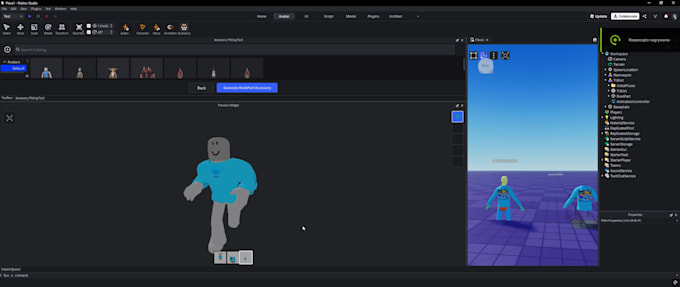
The design process for a Roblox UGC item starts with an idea and some research. Look at trending items in the Avatar Shop this month to understand what players are buying. Consider unique concepts that fit Roblox's aesthetic. Once you have an idea, you'll use your 3D modeling software (like Blender) to sculpt and shape your item. This involves creating the mesh, carefully considering polygon count to ensure performance, especially for mobile users who dominate gaming today. After modeling, you'll create a UV map, which is like unfolding your 3D model into a flat 2D image. Then, you'll paint textures onto this UV map, adding color, detail, and material properties. Finally, you'll rig your item if it's an accessory that needs to attach to or move with the avatar, ensuring it fits correctly and functions within the game engine.
What Are the Technical Specifications for Roblox UGC Items?
Roblox has specific technical guidelines to ensure all UGC items perform well across various devices and remain consistent within the platform. Key specifications include polygon limits, texture resolution, and file formats. For accessories, polygon counts are typically kept low (e.g., under 4,000-8,000 triangles) to prevent lag. Textures should be efficient, often square dimensions (e.g., 256x256 or 512x512 pixels), and saved in formats like PNG or TGA. Meshes are usually imported as .FBX files. Understanding these technicalities is crucial for approval and for creating items that players can actually use without performance issues. Roblox provides detailed documentation, and familiarizing yourself with it early will save you headaches later.
How Do I Submit My UGC Item to Roblox for Approval?
Once your item is modeled, textured, and rigged according to Roblox's specifications, you'll upload it through the Roblox Creator Dashboard. This involves providing details about your item, such as its name, description, category, and price. You'll also need to upload the mesh, texture, and rigging files. After submission, your item enters a moderation queue where Roblox staff review it for compliance with their community standards and technical guidelines. This process can take some time, so patience is key. Ensuring your item meets all criteria beforehand significantly increases its chances of approval and avoids rework, allowing you to focus on creating more great content.
How Can I Promote My Roblox UGCs and Maximize Sales?
Simply uploading your item isn't enough; you need a strategy to get eyes on it. Leverage social media platforms like X (formerly Twitter), Instagram, and TikTok where many Roblox creators share their work. Create engaging visuals and short videos showcasing your item. Collaborate with Roblox YouTubers or popular content creators who might feature your item. Within Roblox, consider creating a game experience or a showcase space where players can try on your UGCs. Actively engage with the community, listen to feedback, and iterate on your designs. Pricing your items competitively and offering a good value for money will also attract more buyers. Remember, consistency in promotion and interaction builds a loyal fanbase over time.
What Are Common Pitfalls for New UGC Creators and How Can I Avoid Them?
New UGC creators often face challenges like technical difficulties with 3D software, items being rejected by moderation, or low sales. To avoid these, start simple; don't try to create overly complex items immediately. Focus on mastering one tool, like Blender, before moving to advanced techniques. Always double-check Roblox's technical specifications and community guidelines before submitting, saving you time from rejections. For sales, research what's trending and identify underserved niches. Engage with the community for feedback *before* final submission. Many aspiring creators also struggle with burnout; remember that gaming is for relaxation and fun, so pace yourself. Building a portfolio and a reputation takes time, so view each creation as a learning opportunity.
How Can I Monetize My Roblox UGCs Effectively in 2026?
Monetization in Roblox UGC is directly tied to sales in the Avatar Shop. When a player purchases your item with Robux, you earn a percentage of that sale (Roblox takes a commission). The key to effective monetization is creating high-quality, desirable items that appeal to a wide audience or a passionate niche. Diversify your portfolio with different types of accessories. Consider seasonal items or those tied to current Roblox events, which often see increased demand. Regularly update your items if needed and keep your shop fresh with new designs. As a creator, you're essentially running a small business, so understanding market trends, effective pricing, and consistent output are vital for long-term success. Many creators find this a rewarding side hustle that complements their main income, often turning gaming skills into real-world value.
Creating UGCs in Roblox offers a fantastic way for seasoned gamers to blend their passion for virtual worlds with real-world creative skills. It's an opportunity to build something lasting, engage with a massive community, and even earn some Robux in the process, all on your own terms. Whether you're a parent looking for a new hobby or a gamer seeking to level up your digital craftsmanship, the steps outlined here provide a clear path forward. Remember, consistency, learning, and community engagement are your best allies.
What's your biggest gaming challenge when it comes to expressing your creativity? Comment below!
FAQ Section
Q: Do I need to pay to become a Roblox UGC creator?
A: No, the application to become a Roblox UGC creator is free. However, you'll need access to 3D modeling software like Blender, which is free, or paid alternatives. Any costs would be related to software or hardware you choose to use.
Q: How long does it take for a UGC item to be approved by Roblox?
A: Moderation times can vary, but typically range from a few days to a week. Complex items or those requiring more scrutiny might take longer. Patience is key during this review period.
Q: Can I use pre-made 3D models for my Roblox UGCs?
A: Roblox generally requires original creations. While you can use free textures or base meshes, the final design and significant modifications should be your own work to ensure originality and avoid copyright issues.
Q: What's the best way to price my UGC items?
A: Research similar items in the Avatar Shop. Consider the complexity of your item, its uniqueness, and current market demand. Start with a competitive price, and adjust based on sales performance and community feedback for optimal value. Many successful creators find a sweet spot between 50-200 Robux for accessories.
Q: How much Robux can I earn as a UGC creator?
A: Earnings vary widely based on item popularity, sales volume, and Roblox's commission structure. Top creators can earn significant Robux, which can be converted to real-world currency via the Developer Exchange program. It's a meritocracy; more popular items earn more.
Eligibility requirements for Roblox UGC creation, essential 3D modeling tools for beginners, step-by-step design and submission process, strategies for promoting your UGC items, understanding Robux monetization, common challenges and how to overcome them, leveraging current Roblox trends.
35


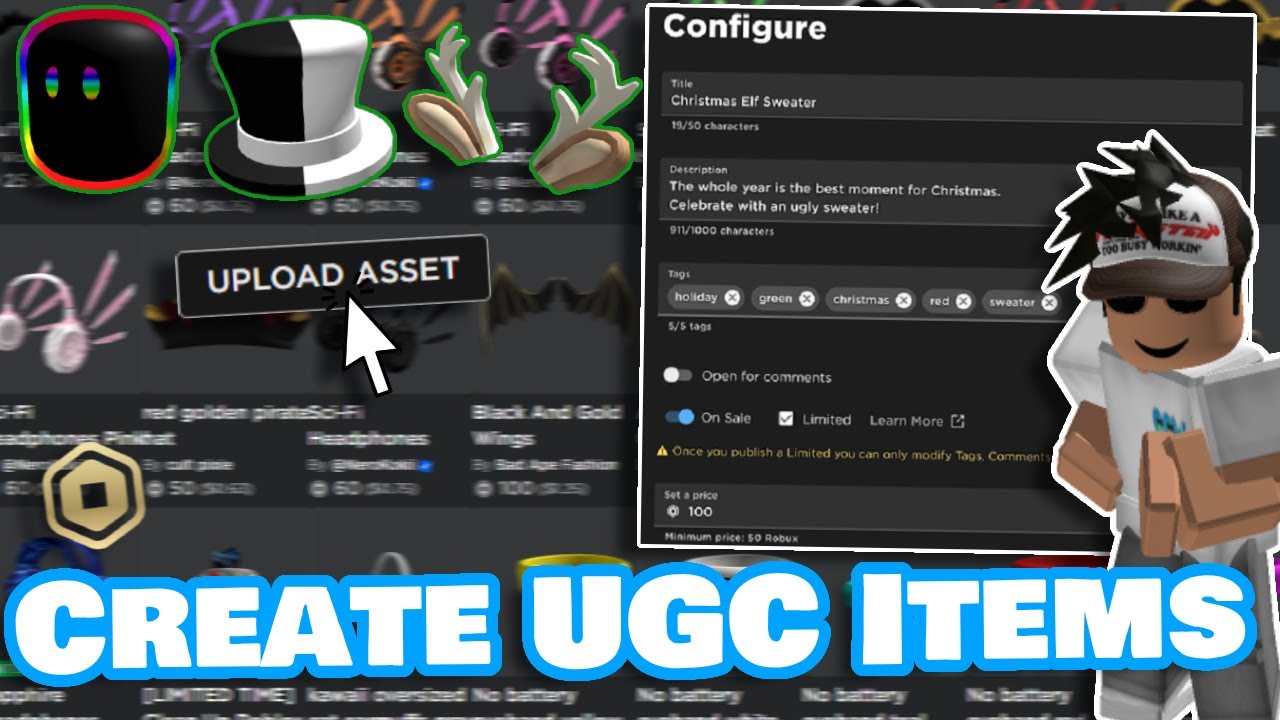

How To Create Own Items To Sell In Roblox . How To Create And Launch UGCs On Roblox YouTube . How To Make A Hat In Roblox 2026 Is It Possible . How To Join The UGC Program In Roblox 2025 Step By Step YouTube . How To Make ROBLOX UGC ITEMS On MOBILE YouTube Oardefault
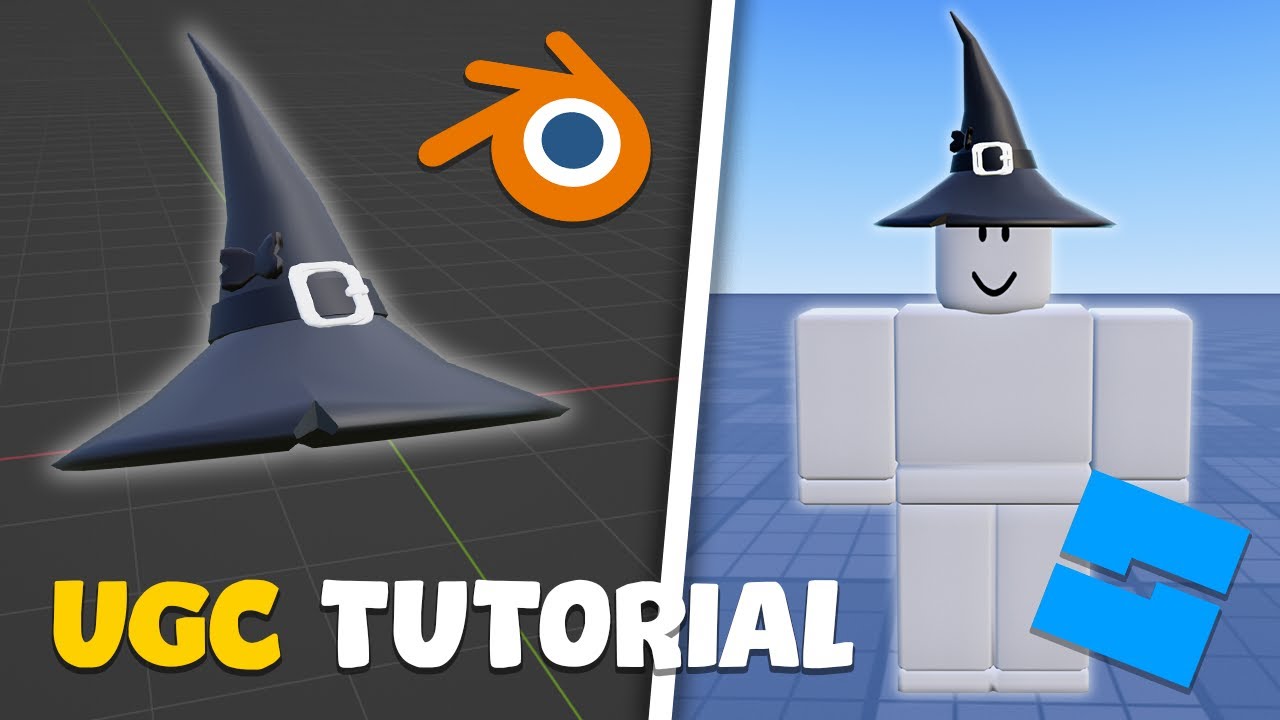


How To Make A Roblox UGC Item For Beginners YouTube . HOW TO MAKE OWN UGC ITEMS ON ROBLOX UPLOAD SELL IT YouTube . How To Upload UGC Items In Roblox 2025 Full Tutorial YouTube . How To Make A Roblox UGC Item Beginner Tutorial YouTube . How To Make UGCs For Your Roblox Game YouTube


How To Make A UGC ITEM In ROBLOX Beginner YouTube . How To Make A UGC Item On Roblox Mobile H Ng D N Y V Chi Ti T . Roblox UGC Codes Explained 7d264f38 Roblox Ugc Codes Explained How Brands Use Codes To Drive Engagement In Roblox Experiences . How To Upload Publish UGC Items Accessories In Roblox Marketplace . Ugc Application Roblox User Generated Content LootLocker The Game


Roblox UGC Creator C H I Th Ch Th C V C Ch Th Nh C Ng Trong N N . How To MAKE ROBLOX UGC Full Tutorial 2024 YouTube . Free UGC On Roblox Is It Real Fcc11 1920 . Ugc Application Roblox User Generated Content LootLocker The Game . HOW TO MAKE YOUR OWN ROBLOX UGC HAT ROBLOX UGC TUTORIAL YouTube



How To Get FREE ROBLOX LIMITED UGCs YouTube Roblox Free How To Become . Stay Cool With Free UGCs For Roblox Gamers TikTok Img. How To Make Roblox UGC Items 2022 COMPLETE PROCESS ROBLOX YouTube . How To Make UGC Items In Roblox How To Create Upload UGC Items In . How To Sell Excess Utilities In Cities Skylines 2 Player Assist Flex UGC Codes1


How To Create Ugc Items In Roblox YouTube . Roblox Math Block Race Free UGCs A039f 1920 . UGC Limited Codes June 2025 Pro Game Guides Ugc Limited Codes Gameplay . How To Make Roblox Ugc Easily Roblox3d Roblox Img. Roblox Flex UGC Codes February 2026 Latest Working List Roblox 15108736400 NoFilter 2


Create Roblox Ugcs For You By Rubarbulut Fiverr Create Roblox Ugcs For You . How To Get All Free UGC Hair In Walmart Discovered Free Limited UGCs . Create Games In Roblox H Ng D N T A Z T O Game Tr N Roblox Studio . NUEVOS FREE UGCs EN ROBLOX Roblox Free Gratis Event Ugc Hair . Level Up Your Roblox Game Skybox UGC Is Here