Navigating the world of gaming laptops can be a complex quest, especially for busy adult gamers who seek both performance and value. This comprehensive guide simplifies how to choose the best gaming laptop, cutting through the hype to offer practical advice. We delve into crucial specifications like CPU GPU RAM and storage explaining what truly matters for your favorite titles from social games to competitive esports. Discover tips for balancing powerful hardware with a reasonable budget ensuring your investment enhances your relaxation skill-building and social play without breaking the bank. Learn about displays cooling and connectivity vital for an immersive experience. Whether you are upgrading on a budget or looking for future-proof performance this article provides the essential insights to make an informed decision helping you overcome setup issues and optimize your gaming sessions effectively. It's your ultimate resource for selecting a gaming laptop that fits seamlessly into your life.
Q: What is the best graphics card for a gaming laptop in 2026 for under 2000?
A: For a gaming laptop under $2000 in 2026, the NVIDIA RTX 4070 or AMD Radeon RX 7800M XT are typically the best graphics card options. These GPUs offer exceptional 1080p performance, often reaching high frame rates for competitive titles, and are increasingly capable of handling 1440p gaming at respectable settings. They strike a great balance between power efficiency, thermal management, and raw performance, ensuring your laptop can tackle modern AAA games and future releases without major compromises.
Q: How do I know if a gaming laptop's cooling system is effective?
A: An effective cooling system is crucial for sustained performance. Look for gaming laptops with multiple fans (typically two, one for CPU, one for GPU), numerous heat pipes, and large ventilation areas on the bottom, sides, and rear. Reading professional reviews specific to the model you are considering is key, as they often include thermal performance benchmarks under gaming loads, indicating how well the laptop manages heat and avoids thermal throttling during extended play sessions. User feedback on forums can also provide real-world insights.
Q: Is a 144Hz display enough for competitive gaming on a laptop?
A: Yes, a 144Hz display is generally more than sufficient for competitive gaming on a laptop. While higher refresh rates like 240Hz or 360Hz exist, the jump from 60Hz to 144Hz is much more noticeable and impactful for smoothness and responsiveness. Most pro players find 144Hz to be an excellent standard for precision and reaction time in fast-paced esports titles. Paired with a low response time (3-5ms) and adaptive sync technology, a 144Hz screen provides a significant competitive edge.
Q: What storage configuration is ideal for a gaming laptop in 2026?
A: The ideal storage configuration for a gaming laptop in 2026 is a primary NVMe SSD of at least 1TB. This ensures lightning-fast boot times, quick game loading, and overall snappy system responsiveness, which is crucial as game sizes continue to swell. If your budget allows, a 2TB NVMe SSD provides ample space for a large game library without constant file management. Avoid traditional HDDs for your primary drive; they are too slow for modern gaming requirements, though a secondary HDD could be used for general storage if available.
Q: How much RAM do I need for streaming and gaming simultaneously on a laptop?
A: If you plan on streaming while gaming on your laptop, 32GB of DDR5 RAM is highly recommended. While 16GB is sufficient for just gaming, streaming adds significant overhead, requiring more memory for your streaming software (like OBS Studio), browser tabs, and other background applications. Having 32GB ensures smooth multitasking, prevents performance bottlenecks, and provides a buffer for future software updates and more demanding games, allowing you to stream and play without compromise.
Q: Are gaming laptops good for school or work tasks too?
A: Absolutely! Gaming laptops are often excellent for demanding school or work tasks. Their powerful multi-core CPUs and dedicated GPUs make them ideal for tasks like video editing, 3D modeling, graphic design, programming, and data analysis. The robust cooling systems and high-resolution, high-refresh-rate displays also contribute to a comfortable and efficient work environment. While they might be a bit heavier and have shorter battery life than ultrabooks, their versatility makes them a great all-in-one solution for users who need both high performance for productivity and serious gaming capabilities.
Q: What's the best way to get good battery life from a gaming laptop when not gaming?
A: To maximize battery life on a gaming laptop when not gaming, several strategies help. First, switch to your laptop's integrated graphics (if available, usually through NVIDIA Optimus or AMD SmartAccess Graphics) instead of the power-hungry dedicated GPU. Second, activate a power-saving mode in Windows settings and your laptop manufacturer's software. Third, lower screen brightness, disable keyboard backlighting, and turn off unnecessary background applications or Wi-Fi/Bluetooth if not in use. These steps significantly reduce power consumption, allowing for longer usage for productivity or browsing.
Hey fellow gamers! Ever felt overwhelmed trying to find that perfect gaming laptop a machine that can keep up with your late-night raids or quick social sessions after a long day of work and family life? You are definitely not alone. With new models dropping every few months and technical jargon flying around it is tough to know what is truly a solid investment. Many of us just want to unwind jump into our favorite titles like Palworld or Fortnite with friends or maybe even dive into a new single-player adventure without battling lag or setup headaches. US gamers, averaging around 36 years old and often balancing a lot, truly value their gaming time. About 87% of us game regularly, often clocking 10+ hours a week, and social gaming trends are still huge, blending mobile and PC/console cross-play seamlessly. This guide is all about helping you understand how to choose the best gaming laptop for your life. No more guessing, no more buyer’s remorse. We will break down everything from the essential hardware to budget-friendly tips, ensuring you get a powerful portable rig that enhances your relaxation, skill-building, and social play.
We know you crave performance optimization and value for money, not just hype. So, let us cut through the noise and equip you with the knowledge to make a confident choice in 2026. Ready to find your next ultimate gaming companion?
What are the absolute must-have components in a gaming laptop in 2026?
In 2026, the core components for a solid gaming laptop remain the GPU, CPU, RAM, and storage, but their balance and capabilities have evolved significantly. The Graphics Processing Unit (GPU) is your primary gaming engine, driving frame rates and visual fidelity. Look for at least an NVIDIA RTX 40-series or AMD Radeon RX 7000-series, with higher-tier models (e.g., RTX 4070 or RX 7800M XT) providing substantial future-proofing. The Central Processing Unit (CPU) supports the GPU and handles all background tasks. An Intel Core i7 or AMD Ryzen 7 (13th Gen/7000 series or newer) offers an excellent balance of performance for gaming and everyday productivity. For Random Access Memory (RAM), 16GB DDR5 is the sweet spot for most games and multitasking, though 32GB is becoming increasingly common for competitive gamers or those who also stream or create content. Finally, storage is crucial; an NVMe SSD of at least 1TB is essential for fast game loading times and overall system responsiveness. Smaller drives will fill up fast with today's massive game files, which can often exceed 100GB each.
How much should I realistically budget for a gaming laptop that lasts?
Budgeting for a gaming laptop requires a careful balance between current needs and future-proofing. For a truly capable gaming laptop in 2026 that will handle new titles for several years, you should generally plan for a budget between $1200 and $2500. Laptops in the $1200-$1800 range often feature mid-range GPUs (like an RTX 4060 or RX 7700M XT) and solid CPUs, offering excellent 1080p performance and even decent 1440p on some titles. If your budget stretches to $1800-$2500, you will unlock higher-tier GPUs (RTX 4070/4080 or RX 7800M XT/7900M XT), better cooling, and premium displays, ensuring smoother experiences at higher resolutions and settings for years to come. Going below $1000 often means significant compromises in GPU power or build quality, leading to quicker obsolescence. Remember, investing a bit more upfront can save you from needing an upgrade sooner.
What display features are most important for an immersive gaming experience?
The display is your window into the game, and its features significantly impact immersion and responsiveness. When choosing a gaming laptop, prioritize these display specifications:
- Refresh Rate: A higher refresh rate means smoother motion. Look for at least 120Hz for casual gaming, but 144Hz, 165Hz, or even 240Hz are ideal for competitive titles and fluid visuals.
- Resolution: 1080p (Full HD) is still excellent for most 15-inch and 17-inch screens, especially with mid-range GPUs. 1440p (QHD) offers sharper images and is a fantastic upgrade if your GPU can handle it, which is increasingly common for high-end laptops. 4K is beautiful but extremely demanding on hardware, often overkill for laptop screens and better suited for external monitors.
- Response Time: Aim for a low response time, typically 3ms or 5ms, to minimize ghosting and motion blur, which is crucial for fast-paced games.
- Panel Type: IPS panels are generally preferred for gaming due to their excellent color accuracy and wide viewing angles. OLED displays are emerging, offering incredible contrast and vibrant colors, but can be pricier.
- Adaptive Sync (G-Sync/FreeSync): These technologies synchronize the display's refresh rate with your GPU's frame rate, eliminating screen tearing and stuttering for a much smoother experience.
How important is cooling, and what should I look for?
Cooling is extremely important for gaming laptops because powerful components generate a lot of heat in a confined space. Inadequate cooling leads to thermal throttling, where your CPU and GPU reduce their performance to prevent overheating, directly impacting your frame rates and overall gaming experience. When evaluating a laptop's cooling system, look for:
- Multiple Fans: Most gaming laptops will have at least two fans, one for the CPU and one for the GPU. Some higher-end models feature three or even liquid metal thermal paste for superior heat transfer.
- Heat Pipes: More heat pipes and larger surface areas for heat sinks indicate better heat dissipation.
- Ventilation: Observe the laptop's chassis design. Does it have ample vents on the sides, back, and bottom? Better airflow helps keep components cool.
- User Reviews: Always check professional reviews and user feedback regarding a specific model's thermal performance under sustained gaming loads. Even powerful specs can underperform if cooling is poor.
Can I really balance a high-performance gaming laptop with a busy family life?
Absolutely! Many US gamers, especially those around age 36, skillfully balance a demanding job and family life with their passion for gaming. The key is choosing the right laptop that fits your lifestyle. Portability is a huge factor here. A lighter, more compact gaming laptop means you can easily move it from your desk to the living room or even take it on a business trip, grabbing gaming moments when they arise. Look for models with good battery life for non-gaming tasks, so it doubles as a productivity machine. Quick boot times and fast loading from an NVMe SSD mean you can jump in and out of games efficiently, perfect for those limited free windows. Social gaming with friends on Discord or through cross-play titles is also a fantastic way to connect without needing dedicated hours. The right gaming laptop acts as a flexible entertainment hub that integrates into your life, not a demanding beast that requires its own dedicated space and time.
What are the best tips for maintaining a gaming laptop and extending its life?
Maintaining your gaming laptop properly is key to ensuring its longevity and consistent performance. Here are some essential tips:
- Keep it Clean: Regularly clean the vents and fans with compressed air to prevent dust buildup, which is a major cause of overheating. Do this every 3-6 months.
- Update Drivers: Always keep your GPU drivers (NVIDIA GeForce Experience or AMD Adrenalin) and system drivers up-to-date. These updates often include performance optimizations and bug fixes for new games.
- Optimal Power Settings: Use your laptop's performance mode when gaming and a power-saving mode for general tasks to manage heat and battery life.
- Use a Cooling Pad: For extended gaming sessions, a cooling pad can significantly help with heat dissipation, especially if your laptop tends to run hot.
- Avoid Blocked Vents: Never place your laptop on soft surfaces like beds or blankets that can block the air vents. Use a flat, hard surface.
- Regular Software Maintenance: Uninstall unused programs, defragment your SSD (if not NVMe, though Windows handles this automatically for modern drives), and run antivirus scans regularly.
- Battery Care: If you primarily use your laptop plugged in, consider using software that limits the battery charge to 80% or 60% to prolong its overall lifespan.
Should I prioritize a better CPU or GPU for gaming?
For gaming, the Graphics Processing Unit (GPU) is almost always the more critical component. While the CPU plays a vital role in game logic, physics, and overall system performance, a powerful GPU has a more direct and significant impact on frame rates and visual settings. A high-end GPU paired with a mid-range CPU will generally outperform a high-end CPU paired with a mid-range GPU in most gaming scenarios. Modern games are increasingly GPU-bound, especially at higher resolutions and graphics settings. However, a weak CPU can bottleneck even a powerful GPU, leading to stuttering or lower minimum frame rates in CPU-intensive games or scenarios (like large open worlds or multiplayer battles). The ideal approach is to aim for a balanced system where neither component significantly holds back the other, but if you must prioritize due to budget, lean towards a stronger GPU first.
What about connectivity? Are ports and Wi-Fi standards important?
Connectivity is often overlooked but crucial for a complete gaming experience. For physical ports, ensure your chosen laptop has:
- USB-A and USB-C (Thunderbolt if possible): Enough ports for your peripherals (mouse, keyboard, headset, external drives). Thunderbolt 4/USB4 offers incredibly fast data transfer and display output capabilities.
- HDMI or DisplayPort: Essential for connecting to an external monitor or TV, especially if you want to game on a larger screen.
- Ethernet Port: While Wi-Fi is convenient, a wired Ethernet connection provides the most stable and lowest-latency internet connection for competitive online gaming.
Are gaming laptops good for more than just gaming?
Absolutely! Modern gaming laptops are incredibly versatile powerhouses. Thanks to their robust CPUs, ample RAM, and powerful GPUs, they excel at a wide range of tasks beyond just gaming. This makes them ideal for professionals and hobbyists who need high-performance computing. They are fantastic for video editing, 3D rendering, graphic design, and CAD work, where the dedicated GPU significantly accelerates processing times. Students pursuing STEM fields or media production can also benefit greatly from the raw power. Additionally, their high refresh rate displays and often mechanical-feel keyboards make them excellent for everyday productivity, coding, or even just browsing the web with buttery smoothness. Many adults find that a gaming laptop can serve as a single powerful machine for both their work and play, making it a smart, multi-purpose investment that fits perfectly into a balanced lifestyle.
What are current trends in gaming laptops that I should be aware of?
The gaming laptop landscape is constantly evolving, and 2026 brings some exciting trends. We are seeing continued advancements in AI integration within GPUs, not just for upscaling technologies like DLSS or FSR, but also for enhancing in-game elements and even system optimization. This month, social and cozy games are seeing a huge resurgence, making powerful yet portable machines even more desirable for communal play. Free-to-play titles and esports viewing continue to dominate, making a reliable internet connection (Wi-Fi 6E/7) and high refresh rate displays non-negotiable. VR experiments are also becoming more accessible, with some mid-range laptops now capable of handling entry-level VR experiences. Mini-LED and OLED displays are becoming more common in premium models, offering unparalleled contrast and color vibrancy. Additionally, the focus on sustainable manufacturing and energy efficiency is growing, with brands often highlighting their eco-conscious efforts.
Is it worth waiting for next-gen hardware, or should I buy now?
The "wait for next-gen" dilemma is a classic in tech, and in 2026, it is still relevant. While new hardware is always on the horizon, the best time to buy is usually when you need it and when current generation models offer excellent value. Currently, laptops with NVIDIA RTX 40-series and AMD Radeon RX 7000-series GPUs offer fantastic performance and feature sets. Waiting indefinitely means missing out on gaming now. However, if a major architectural refresh (like a new chip generation from Intel/AMD or NVIDIA/AMD GPUs) is rumored to be just a few months away (e.g., within 3-4 months), and you can hold off, then waiting might yield better performance for your money or cause current models to drop in price. For most gamers, especially those balancing life and gaming, finding a great deal on a current-gen machine that meets your needs right now is often the most practical and satisfying approach. Don't let the fear of "future tech" prevent you from enjoying gaming today.
Choosing the best gaming laptop does not have to be a daunting task. By focusing on key components like a balanced GPU and CPU, understanding display specs, prioritizing effective cooling, and setting a realistic budget, you can find a machine that perfectly complements your gaming style and busy life. Remember, this is an investment in your relaxation, social connections, and skill-building. The right laptop will let you jump into those social gaming sessions or unwind with a solo adventure without a hitch. It is about finding that sweet spot of performance, portability, and value.
What is your biggest gaming challenge when it comes to hardware? Share your thoughts and tips in the comments below!
FAQ Section
Q: What is the ideal screen size for a gaming laptop?
A: 15.6-inch is the most popular balance of portability and screen real estate. 17.3-inch offers a more immersive experience but is less portable, while 14-inch models prioritize extreme portability.
Q: Do I really need an external mouse and keyboard for laptop gaming?
A: While built-in keyboards and trackpads are decent, an external gaming mouse provides superior precision and comfort, and a mechanical keyboard offers better tactile feedback, significantly improving your competitive edge and overall experience.
Q: How much RAM is enough for gaming in 2026?
A: 16GB of DDR5 RAM is the current standard for smooth gaming. If you multitask heavily, stream, or play very demanding titles, 32GB provides extra headroom and future-proofing.
Q: What is the difference between an SSD and an HDD, and which is better for gaming?
A: SSDs (Solid State Drives) are much faster than HDDs (Hard Disk Drives) for loading games and operating systems due to their lack of moving parts. An NVMe SSD is essential for gaming laptops in 2026 for speed and responsiveness.
Q: Should I get a gaming laptop with an Intel or AMD processor?
A: Both Intel Core and AMD Ryzen processors offer excellent gaming performance. The choice often comes down to specific models and their price/performance ratios. Both brands have strong contenders in all segments.
Q: Are thin and light gaming laptops as powerful as thicker ones?
A: Thin and light gaming laptops often make compromises on cooling and raw power compared to thicker models to achieve their compact form factor. While powerful, they may experience more thermal throttling under sustained loads.
Choosing the best gaming laptop involves balancing CPU GPU RAM and storage for optimal performance. Consider display quality cooling systems and connectivity for an immersive experience. Prioritize value for money and future-proofing your investment. Understand how to manage your budget for essential upgrades. Look for features that support both casual and competitive play. Learn to avoid common setup and performance issues through informed selection. The right laptop enhances social play skill-building and relaxation fitting your lifestyle.
35
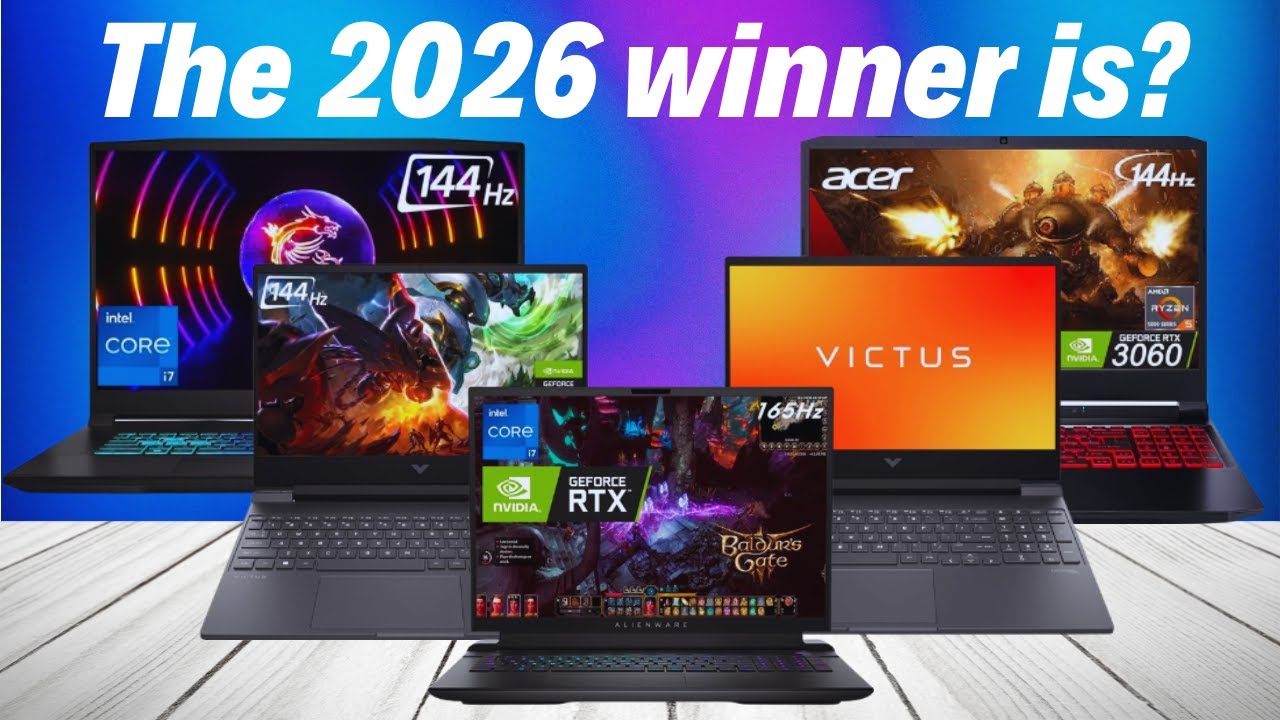

Best Gaming Laptops At CES 2026 RTX 5090 Options Dual Screen Picks Lenovo Legion Pro Rollable Concept. Top 10 Gaming Laptops To Buy In 2026 Power Meets Innovation YouTube . The Ultimate Buying Guide To Gaming Laptops 2026 Sourav Joshi Vlogs Best Gaming Laptops 2026 . The Best Cheap Gaming Laptops For 2026 Tested For Gaming Top 3 Gaming Laptops Of 2026 - The Ultimate Guide . Gaming Laptops 2026 How To Choose The Best Notebook RTX 50 Guide Image
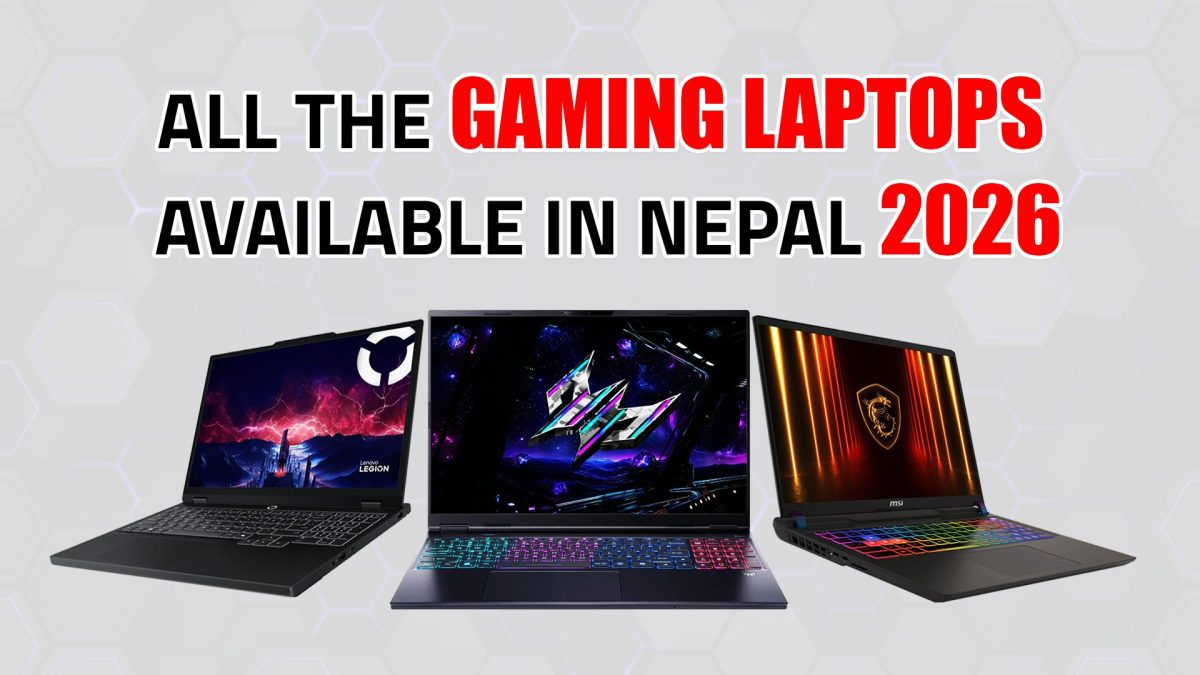


Best Gaming Laptops In Nepal 2026 Price And Guide GAMING LAPTOPS 1200x675 . How To Choose The Right Gaming Laptop 2026 What You Need To Know WIRED The Ultimate Quest How To Choose The Right Gaming Laptop . Best Gaming Laptops In 2026 Brand Rankings Streaming Picks Real Best Gaming Laptops 1.webp. Top 10 Best Gaming Laptops To Buy In 2026 Power Performance What S . 10 Best Laptops For Web Development 2026 Complete Developer S Guide Best Gaming Laptops 768x419


Best Gaming Laptops For 2026 Top Picks And Reviews Tech In Deep Best Gaming Laptops For 2026 300x300 . 10 Best Laptops With Integrated Graphics In June 2026 Best Gaming Laptops Under 600 . 4 Best Gaming Laptops For Students In 2026 InPics Solutions Top Student Gaming Laptops 2026 Ijkf6 . Best Budget Gaming Laptops 2026 Top Value Picks Best Budget Laptops For Gaming 2026 1024x600 . Best High End Gaming Laptops For Smooth Gameplay 2026


%2520Luke%2520Larsen%25205.png)
Best Gaming Laptops 2026 Top 5 Picks With RTX 50 GPUs Price Comparison Top 5 Gaming Laptops In 2026. Best Laptops 2026 Top Picks For Every Budget Use Case Xthe Best Laptops 2026 Top Picks For Every Budget Use Case 750x350 . Best Gaming Laptops In 2026 Life Style Tech And Digital Whisk 768x419 . Best High End Gaming Laptops For Smooth Gameplay 2026. How To Choose The Right Gaming Laptop 2026 What You Need To Know WIRED


Best Gaming Laptops For Every Type Of Gamer In 2026. Best Gaming Laptop 2026 Real World Picks I D Actually Buy Gamer Org A Sleek Tech Thumbnail Design Featuring 780x438 . 2026 S Best Gaming Laptops Which One Should You Buy BEST GAMING LAPTOPS 768x430 . 10 Best Gaming Laptops In 2026 Tested With AAA Rated Games PCVenus Best Gaming Laptops Under 700 648x320 . 15 Best Gaming Laptops Of 2026 That Deliver Power And Portability Mad Top Gaming Laptops 2026 1835q
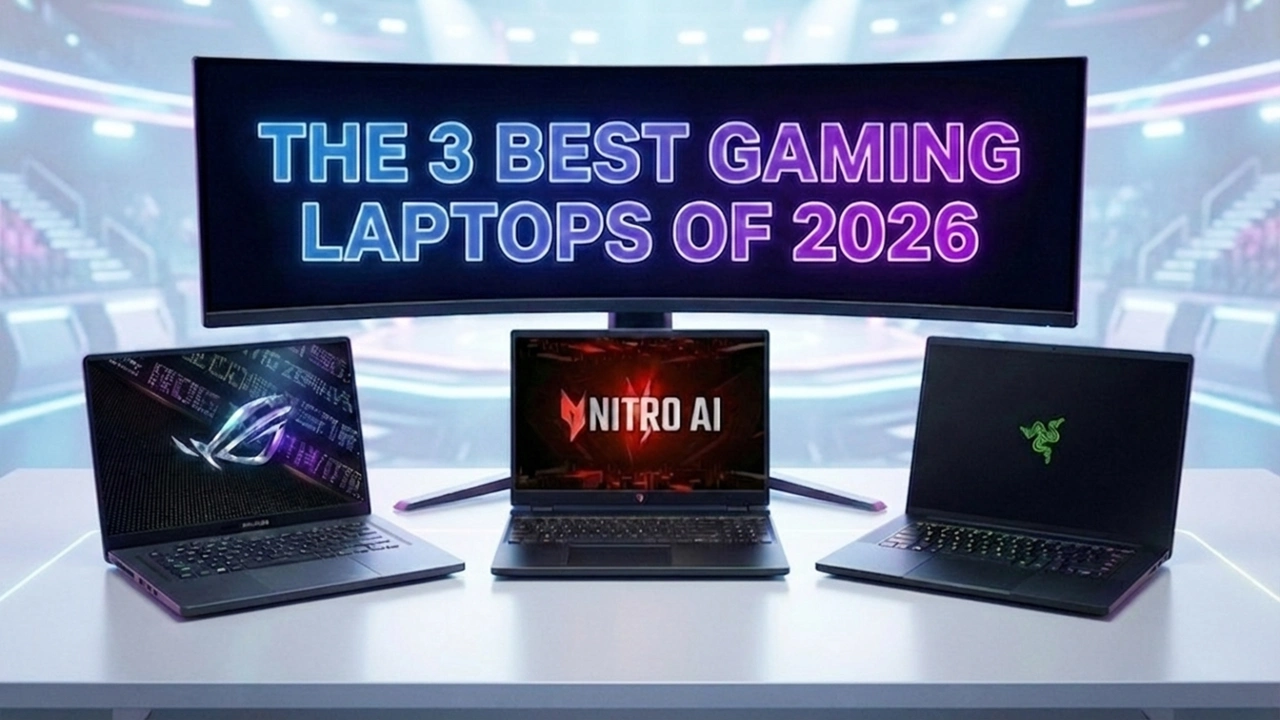

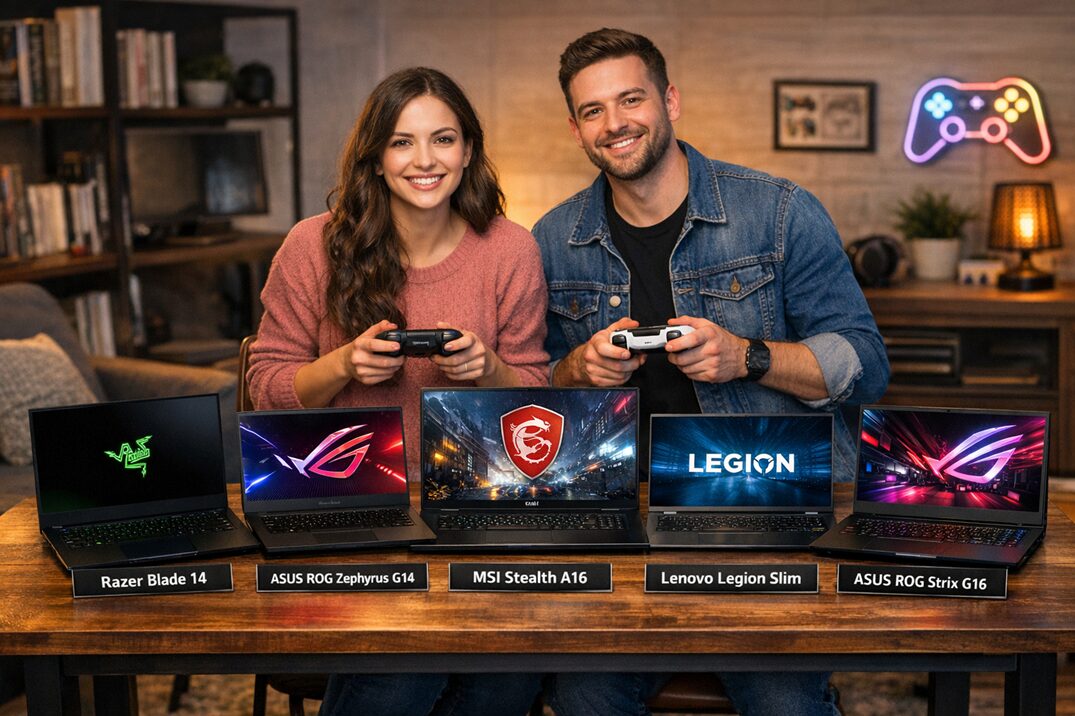
The 3 Best Gaming Laptops Of 2026 Expert Reviews Picks The 3 Best Gaming Laptops Of 2026.webp. Gaming Laptops 2026 Guide How To Choose The Right One What Are The Best Gaming Laptops 1200x675 . 5 Best Gaming Laptops 2026 Gaming Net Untitled Design . Top 5 Gaming Ultrabook Laptops In 2026 Guidantech Smart Gadgets Choosing The Best Gaming Laptop . How To Choose The Best High Performance Gaming Laptop In 2026


Best Gaming Laptops 2026 10 Models Tested For Real Performance Featured Image Ltymy07e . Best Gaming Laptops For Every Type Of Gamer In 2026 Social.webp. Top 5 Laptop Gaming Ng Mua Nh T 2026 K Nguy N AI PC RTX 50 Series Gemini Generated Image . Best Gaming Laptops 2026 Top 10 Picks By Budget Performance What Are The Best Laptops For Gaming In 2024 1200x600 . Best Gaming Laptops Under 2000 In 2026 Top Picks For Gamers Best Gaming Laptop Under 2000