Embark on an epic quest to master the art of crafting your perfect Minecraft Gaming PC. This comprehensive guide, tailored for busy US gamers balancing work, family, and play, dives deep into everything you need to know about optimizing your rig for the blocky universe. Discover essential components, understand budget-friendly options, and unlock the secrets to smooth gameplay, stunning shaders, and seamless multiplayer experiences with friends on Discord. We cut through the technical jargon to provide actionable advice on upgrading, troubleshooting, and future-proofing your system, ensuring you can unwind, socialize, and compete effectively. Learn how to navigate the latest trends, from mobile cross-play to modding communities, and ensure your investment delivers maximum fun and performance, making your Minecraft adventures truly limitless. Get ready to build, explore, and conquer the digital world like never before with the right Minecraft Gaming PC by your side.
What's the absolute minimum RAM for Minecraft in 2026?
For vanilla Minecraft, 8GB of RAM is the absolute minimum you'll want in 2026 for a smooth experience, especially if you have other applications running in the background. If you plan on using any significant mods, shaders, or playing on larger multiplayer servers, aiming for 16GB is highly recommended to prevent lag and ensure stable performance.
Do I really need a dedicated graphics card for Minecraft?
While Minecraft can technically run on integrated graphics, a dedicated graphics card dramatically improves your experience, especially if you want to use popular visual enhancements like high-end shaders (e.g., SEUS, BSL) or high-resolution texture packs. A dedicated GPU ensures smoother frame rates and unlocks the game's full graphical potential, making your world look stunning and preventing stutter.
How much should I spend on a Minecraft Gaming PC?
Your budget depends heavily on your desired experience. For a solid entry-level Minecraft Gaming PC capable of vanilla gameplay and light mods, expect to spend around 600-800. For mid-range performance with good shaders and mod support, 900-1200 is a good target. High-end builds for streaming or heavy modding can range from 1500 to 2500 and beyond.
Is Intel or AMD better for a Minecraft PC?
Both Intel and AMD offer excellent processors for Minecraft. Traditionally, Intel held a slight edge in single-core performance, which Minecraft heavily relies on. However, modern AMD Ryzen CPUs are incredibly competitive, offering great multi-core performance for multitasking and server hosting. Focus on a CPU with high clock speeds and sufficient cores (at least 6-8) from either brand for optimal results.
Can I play Minecraft with friends on my new PC if they're on console or mobile?
Yes, you absolutely can! Minecraft Bedrock Edition supports cross-play across PC (Windows 10/11 version), Xbox, PlayStation, Nintendo Switch, and mobile devices. If you're using Minecraft Java Edition, cross-play is limited to other Java players. Ensure you and your friends are on the same edition to play together seamlessly.
What's the best way to keep my Minecraft PC cool?
Effective cooling is crucial for performance and longevity. Ensure your PC case has good airflow with multiple fans – typically two intake and one exhaust. A dedicated CPU cooler, either an air cooler or an All-in-One (AIO) liquid cooler, is recommended over stock coolers. Regularly clean dust filters and internal components to maintain optimal temperatures and prevent thermal throttling.
Are pre-built Minecraft Gaming PCs a good value?
Pre-built gaming PCs offer convenience and often come with warranties, making them a good option for busy gamers who prefer a plug-and-play experience. While they might sometimes cost a bit more than a self-built equivalent, the time saved and professional assembly can be a significant value. Always research the brand's reputation and check component specifics before buying to ensure you're getting quality parts.
Are you a busy adult gamer, juggling work, family, and the occasional late-night Minecraft session with friends? You're not alone. In today’s fast-paced world, carving out time for gaming is precious, and when you do, you want it to be seamless, immersive, and utterly stress-free. The last thing you need is a laggy, crashing computer ruining your carefully constructed pixel art or an epic boss battle. Did you know that 87% of US gamers spend an average of over 10 hours a week unwinding with their favorite titles, with many of those hours spent meticulously crafting and exploring in Minecraft?
Minecraft, despite its blocky aesthetic, can be surprisingly demanding on your hardware, especially if you dive into the vibrant world of shaders, complex mod packs, or host a server for your crew. With social gaming via platforms like Discord being a top trend this month for millennials and Gen Z connecting with friends, ensuring your rig can handle both gameplay and communication without a hitch is more crucial than ever. This guide is your trusted friend in the world of PC building, designed to help you navigate the jargon, make smart choices, and ultimately build or choose the perfect Minecraft Gaming PC that fits your lifestyle, budget, and ambitious in-game plans. Let's make sure your next Minecraft session is nothing short of legendary.
What exactly is a Minecraft Gaming PC?
A Minecraft Gaming PC is more than just any computer that can run the game. It is a system specifically optimized and powerful enough to not only launch Minecraft but to run it smoothly with high frame rates, even when you introduce resource-intensive elements like advanced shaders, high-resolution texture packs, or large mod packs such as OptiFine or Fabric. While Minecraft can run on modest hardware, a dedicated gaming PC elevates the experience from merely playable to truly immersive. Think of it as the difference between driving a reliable sedan and a performance-tuned sports car – both get you there, but one offers a significantly more thrilling journey. For many US gamers in their 20s to 40s, this means a machine capable of handling their creative builds, multiplayer adventures with friends, and perhaps even some light content creation like streaming their gameplay, all without frustrating slowdowns. It's about stability, responsiveness, and visual fidelity that truly brings the blocky world to life.
Why do I need a dedicated PC for Minecraft when I play on my phone or console?
While Minecraft Bedrock Edition offers fantastic cross-play capabilities, allowing you to connect with friends on mobile, console, and Windows PC, a dedicated Java Edition Minecraft Gaming PC opens up a whole new realm of possibilities. The primary reasons include:
- Unleashed Performance: PCs offer superior processing power, leading to higher frame rates and smoother gameplay, especially with vast render distances.
- Modding Freedom: Java Edition is the king of mods. From performance enhancers like OptiFine to complete game overhauls with Fabric or Forge, a PC allows you to customize your experience endlessly.
- Stunning Visuals: Realistic shaders, like SEUS or BSL, transform Minecraft into a breathtaking visual feast. These require significant GPU power only a dedicated PC can provide.
- Server Hosting: If you want to run your own persistent server for your friends without relying on external services, a PC is essential.
- Multi-tasking & Streaming: Many US gamers balance gaming with other tasks. A powerful PC allows you to run Minecraft, Discord, a browser, and even streaming software like OBS simultaneously without a hitch.
- Precision Control: Mouse and keyboard offer unparalleled precision for building, PvP, and inventory management.
How do I choose the right CPU for my Minecraft PC?
The Central Processing Unit (CPU) is the brain of your Minecraft Gaming PC, and it's surprisingly crucial for Minecraft. Unlike many modern games that heavily leverage multiple cores, vanilla Minecraft still heavily relies on strong single-core performance. However, for heavily modded experiences or running a server, more cores become beneficial. When choosing:
- Prioritize Clock Speed: Look for a CPU with high base and boost clock speeds (e.g., 3.8GHz+). This directly impacts how fast Minecraft's main thread runs.
- Intel vs. AMD: Both Intel's Core i5/i7 (12th Gen or newer) and AMD's Ryzen 5/7 (5000 series or newer) are excellent choices. Historically, Intel had an edge in single-core, but AMD has caught up significantly.
- Core Count: For vanilla, a 6-core/12-thread CPU is ample. For serious modding, streaming, or server hosting, 8 cores/16 threads (or more) provides valuable headroom.
- Examples: An Intel Core i5-13600K or an AMD Ryzen 7 7700X are fantastic sweet spots this month, offering superb performance for a dedicated Minecraft Gaming PC without breaking the bank.
Is a powerful GPU really necessary for Minecraft?
Yes, absolutely, especially if you want to experience the true visual potential of Minecraft. While integrated graphics (like those found in many non-gaming laptops or budget CPUs) can run vanilla Minecraft at lower settings, they struggle immensely with advanced features:
- Shaders: This is where a dedicated Graphics Processing Unit (GPU) shines. Shaders overhaul Minecraft's lighting, shadows, water reflections, and weather effects, making the game look photorealistic. Running them smoothly requires a mid-to-high-end GPU.
- High-Resolution Texture Packs: These packs replace Minecraft's default low-resolution textures with incredibly detailed ones, demanding more VRAM (video memory) and processing power from your GPU.
- Higher Render Distances: Seeing further into your world puts more strain on your GPU to render all those blocks.
- NVIDIA vs. AMD: Both offer excellent options. NVIDIA's GeForce RTX 3060/4060 or AMD's Radeon RX 6700 XT/7700 XT are great mid-range choices that provide excellent performance for Minecraft with shaders and mod packs at 1080p or even 1440p. For 4K or ultra-settings with ray tracing shaders, consider an RTX 3070/4070 or RX 6800/7800 XT or higher.
How much RAM do I actually need for smooth Minecraft gameplay?
RAM (Random Access Memory) is vital for Minecraft, as the game loads world chunks, textures, and mod data into it. Not having enough RAM is a common cause of stuttering and crashes. Here’s a general guideline for 2026:
- 8GB RAM: This is the absolute minimum for running vanilla Minecraft smoothly, especially if you have other applications open like a browser or Discord.
- 16GB RAM: This is the sweet spot and highly recommended for any serious Minecraft player. It allows for comfortable modding, shader usage, and multitasking without performance degradation. Most US gamers will find 16GB provides the best balance of performance and cost.
- 32GB RAM: If you plan on hosting a local server for friends, running extremely large mod packs (like some heavily modded Fabric or Forge instances), streaming your gameplay at high quality, or doing other memory-intensive tasks simultaneously, 32GB provides ample headroom and future-proofing.
Always aim for DDR4 RAM at 3200MHz or DDR5 RAM at 5600MHz or higher for optimal speed, as Minecraft can benefit from faster memory access.
What kind of storage is best for a Minecraft Gaming PC?
Storage choice significantly impacts loading times for Minecraft, your operating system, and all your installed mods. For a modern Minecraft Gaming PC, Solid State Drives (SSDs) are non-negotiable.
- NVMe SSD (Primary Drive): This is the fastest type of SSD, connecting directly to your motherboard via a PCIe slot. A 1TB NVMe SSD should be your primary drive, hosting your Windows operating system, Minecraft, and any other frequently played games. This dramatically reduces game loading times and world generation.
- SATA SSD (Secondary Drive, Optional): If you need more storage but don't want to spend extra on another NVMe, a 1TB or 2TB SATA SSD is a good secondary option for less-demanding games or general file storage.
- Hard Disk Drive (HDD - Optional Bulk Storage): HDDs are much slower but significantly cheaper per gigabyte. Only consider an HDD (e.g., 2TB or 4TB) for storing large media files, documents, or games that don't benefit much from SSD speeds. For Minecraft, an HDD will lead to noticeable stuttering during chunk loading.
The speed of an NVMe SSD ensures that your Minecraft worlds load almost instantly, a huge quality-of-life improvement for any gamer.
What about other essential components like Motherboard, PSU, and Cooling?
These components might not be as flashy as your CPU or GPU, but they are the backbone of a stable and reliable Minecraft Gaming PC:
- Motherboard: This connects all your components. Ensure it's compatible with your chosen CPU (e.g., LGA1700 for modern Intel, AM5 for modern AMD) and has enough RAM slots, M.2 NVMe slots, and USB ports for your needs. You don't need the most expensive one; a good mid-range board with proper VRMs (Voltage Regulator Modules) will suffice.
- Power Supply Unit (PSU): Don't skimp here! A reliable PSU provides consistent power to your components. Use an online PSU calculator to estimate your system's wattage, then buy a PSU with 150-200W headroom and an 80 Plus Bronze or Gold efficiency rating. Brands like Seasonic, Corsair, and EVGA are highly reputable.
- Cooling: Keeping your CPU and GPU cool is crucial for preventing performance throttling and extending component lifespan. For most Minecraft PCs, a good air cooler (e.g., Deepcool AK620, Thermalright Peerless Assassin) is sufficient for your CPU. If you plan heavy overclocking or have a very hot CPU, an All-in-One (AIO) liquid cooler might be considered. Ensure your PC case has good airflow with intake and exhaust fans.
- Case: Choose a case that offers good airflow, fits all your components, and has a design you like. Functionality over aesthetics, but a good-looking case is a bonus!
How can I build a Minecraft Gaming PC on a budget?
Building a powerful Minecraft Gaming PC doesn't have to bankrupt you. Many US gamers are seeking budget-friendly options that still deliver solid performance. Here's how to maximize your dollar:
- Prioritize CPU & RAM: These are key for Minecraft. Look for slightly older, but still powerful, generations of CPUs (e.g., Intel 10th/11th Gen, AMD Ryzen 3000/5000 series) on sale. Pair it with 16GB of mid-speed RAM.
- Entry-Level Dedicated GPU: Even a budget GPU like an NVIDIA GTX 1650 Super or an AMD RX 6600 can handle vanilla Minecraft with good frame rates and light shaders. Watch for sales!
- Used Parts (with caution): Buying used CPUs or GPUs can save significant money, but always purchase from reputable sellers and test components thoroughly upon arrival. Never buy a used PSU.
- Value Motherboard: A more affordable motherboard (e.g., B-series chipset) will still provide all the necessary features without the premium cost of an enthusiast Z-series or X-series board.
- Efficient Storage: Start with a single 1TB NVMe SSD. You can always add more storage later.
- Sales & Bundles: Keep an eye on major retailers like Amazon, Newegg, and Best Buy for sales, combo deals, and refurbished components. This month often brings surprising discounts.
A smart budget build can easily get you into the Minecraft world with solid performance for around $600-$800 USD.
Should I build my own Minecraft PC or buy a pre-built one?
This is a classic dilemma for gamers. Both options have their merits, depending on your comfort level, time, and budget.
Building Your Own Minecraft PC:
- Pros: Max customization, often better value for money (you choose each part), learning experience, easier troubleshooting (you know every component), pride of accomplishment.
- Cons: Requires research and time, potential for mistakes, no single warranty for the whole system (individual component warranties).
Buying a Pre-Built Minecraft PC:
- Pros: Convenience (plug and play), professional assembly and cable management, single system warranty, often good for busy adults who lack time.
- Cons: Can be more expensive for equivalent specs, less control over specific component brands, potential for
Unlocking the perfect Minecraft Gaming PC involves understanding core components like CPU, GPU, RAM, and storage for optimal performance. Gamers need to balance budget with desired visual fidelity, especially for mods and shaders. Prioritizing a strong processor and sufficient RAM ensures smooth gameplay and multitasking. Building a PC offers customization, while pre-builts provide convenience. Future-proofing with upgradeability is key to longevity. Social gaming trends, especially via Discord, emphasize stable online connectivity. Optimizing settings and regular maintenance boost in-game experience. This guide provides actionable advice for US gamers seeking a powerful, reliable, and social Minecraft experience.
35#1 Gallery minecraft gaming pc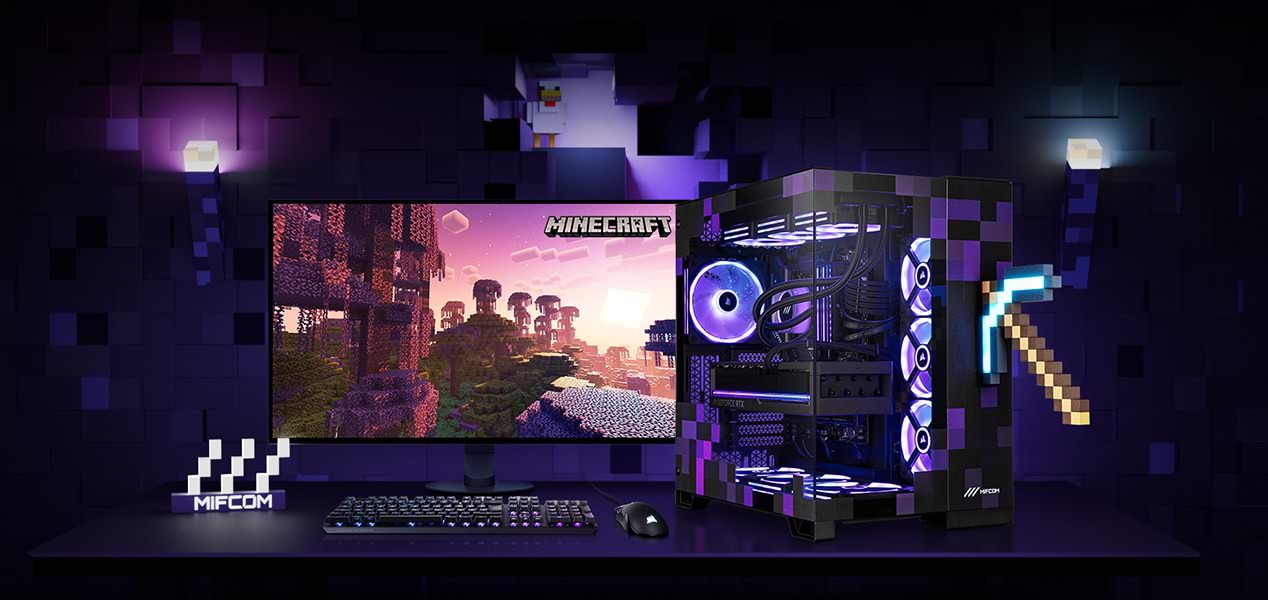
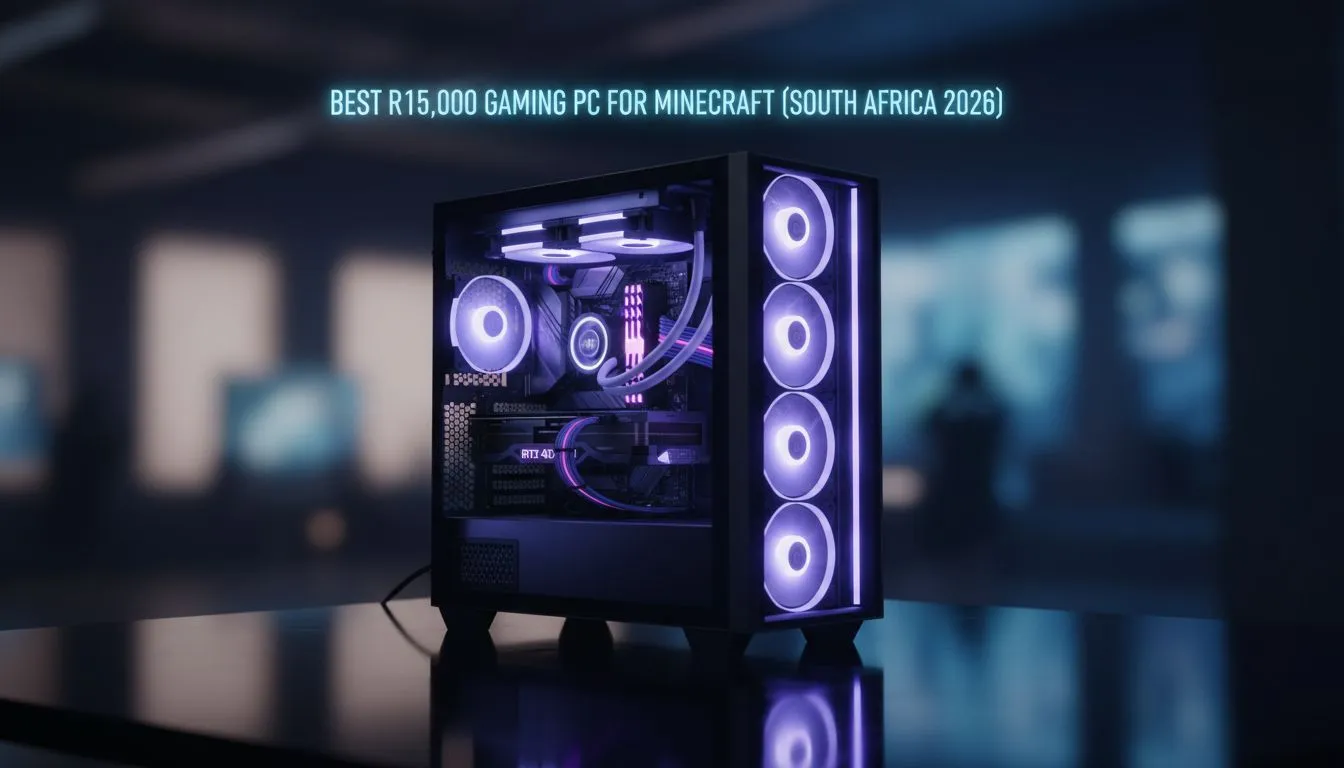

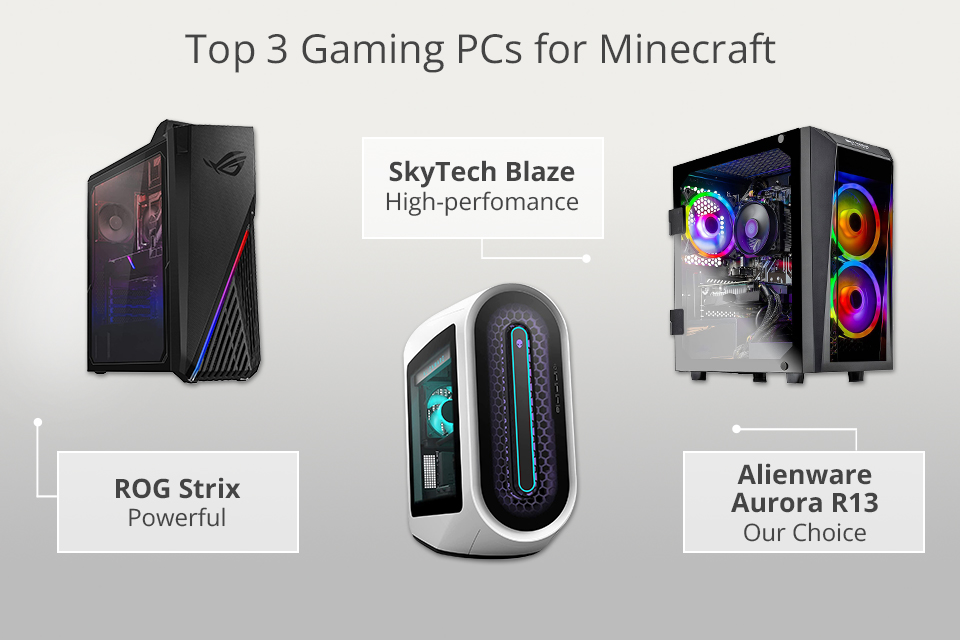

Minecraft Gaming PC 2026 MIFCOM Lp Avivehd Minecraft Gaming Editions 13 0aa3c4cc91 . R15 000 Minecraft Gaming PC Guide Best R15 000 Gaming Pc For Minecraft South Africa Banner.webp. Minecraft Gaming PCs Stormforce Gaming Minecraft System Shot . 5 Best PCs For Minecraft In 2026 Top Gaming Pcs For Minecraft . And Aftershock PC Launch World S First Officially Licensed Minecraft PC With Aftershock PC X May 2025
#2 Gallery minecraft gaming pc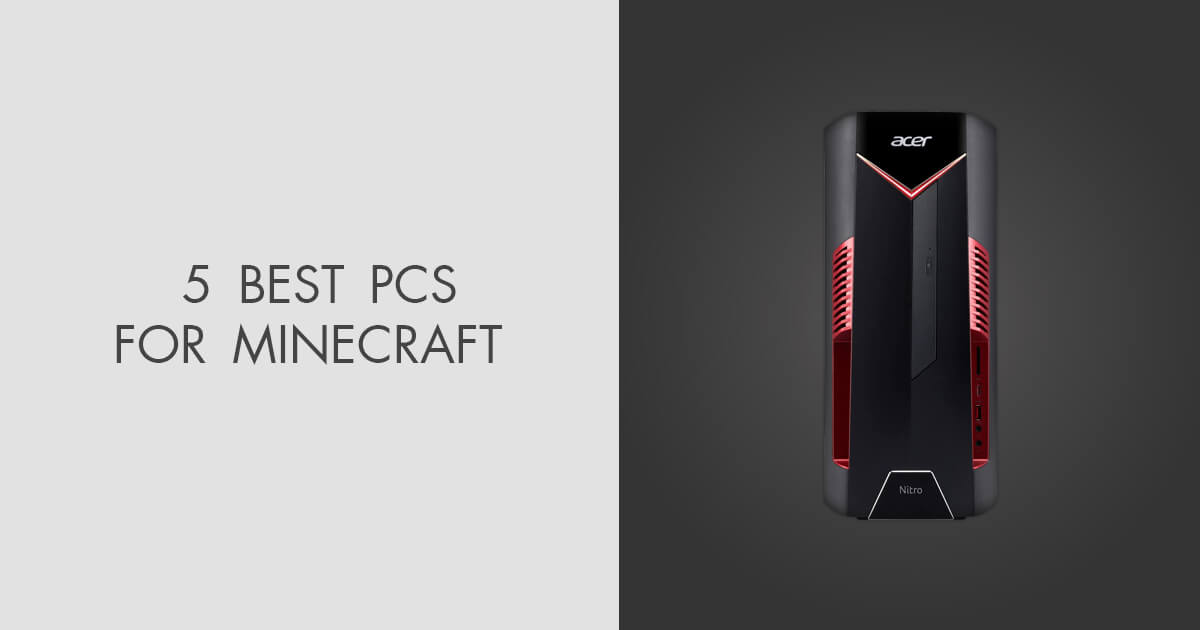


5 Best PCs For Minecraft In 2026 News Fb Image 8488 . Minecraft 2026 Wallpapers Wallpaper Cave Wp15705064 . Minecraft Gaming PC 2026 MIFCOM Lp Avivehd Minecraft Gaming Editions 08 313d528fe4 . 7 Game Mirip Minecraft Terbaru 2026 Alternatif Sandbox Survival 598795342 . 5 Best PCs For Minecraft In 2026 Hp Omen 25l Gaming Pc For Minecraft
#3 Gallery minecraft gaming pc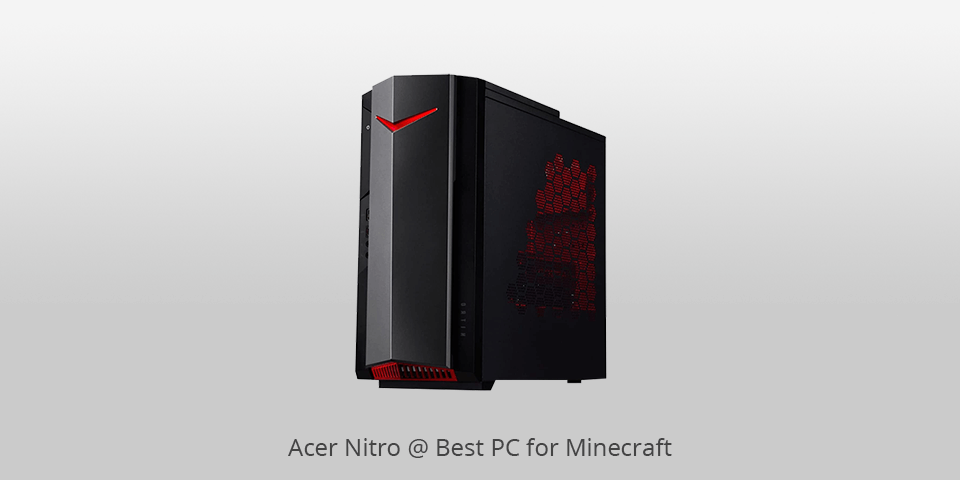
/pcq/media/media_files/2026/03/24/minecraft-live-2026-had-way-more-than-just-a-few-new-updates-2026-03-24-14-59-02.png)

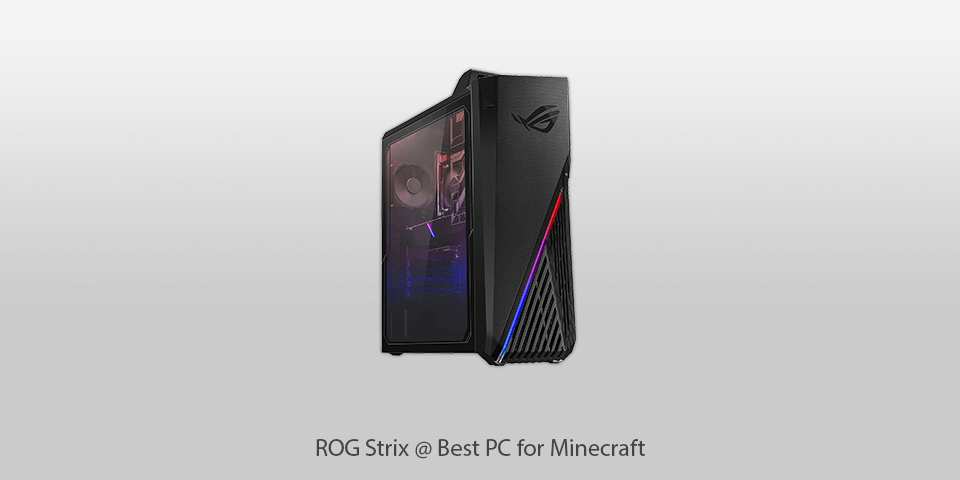
5 Best PCs For Minecraft In 2026 Acer Nitro Gaming Pc For Minecraft . O Melhor PC Para Minecraft De 2026 Rocketz Pc Gamer Atlas 2 . Minecraft Live 2026 Had Way More Than Just A Few New Updates Minecraft Live 2026 Had Way More Than Just A Few New Updates 2026 03 24 14 59 02 . Rekomendasi Modpack Minecraft 2026 RPG Tech Survival SuperNews 1 5 . 5 Best PCs For Minecraft In 2026 Pc Rog Strix
#4 Gallery minecraft gaming pc



Cara Bermain Minecraft Java Edition 2026 Panduan Lengkap Pemula Minecraft Java Edition 2026 . The Ultimate Gaming PC Build 2026 Guide By Xidax 1 Unnamed . The List Of Games Developed By Mojang Studios Updated In 2026 1920xt1080 S1000 . Buy Minecraft Pc Game Online With Best Price Jun 2026 Shopee Malaysia My 11134207 7r98v. Minecraft LIVE March 2026 Recap Here S Everything Mojang Announced Blog
#5 Gallery minecraft gaming pc
Minecraft Update Of 2026 Brings Cuteness And New Ways To Play ExitLag Atualizacao Minecraft 2026. Minecraft Live 2026 Date Details What To Expect CloudNord Banner 96 . Minecraft Live 2026 Reveals A New Theme Park A Sequel And More Minecraft Live 2026 Night Art . Minecraft 2026 Wallpapers Wallpaper Cave Wp16088401 . Minecraft S Next Game Drop Mounts Of Mayhem Is Revealed Windows Central
#6 Gallery minecraft gaming pc

Minecraft 2026 Wallpapers Wallpaper Cave Wp2652288 . Minecraft 2026 Wallpapers Wallpaper Cave Wp16088313 . Minecraft Live 2026 Announced Here S What To Expect Beebom Minecraft Live 2026 Announced Check Out The Event Date Here . Minecraft Is Getting Cuter With The First Update Of 2026 Windows Central 840 80 . Minecraft Live March 2026 Minecraft Wiki 1200px Minecraft Live March 2026 Key Art
#7 Gallery minecraft gaming pc


Minecraft Bedrock Edition 2026 Link Download Fitur Baru Dan Update 3804113865 . Minecraft PE 2026 YouTube . Minecraft Annual 2026 By Mojang AB Waterstones . Minecraft PE Latest 2025 And 2026 Versions 2025 2026 Minecraft . Minecraft LIVE 2026 Alle Ank Ndigungen Vom 21 M Rz 2026 Minecraft Live 2026 News